New NotebookLM features
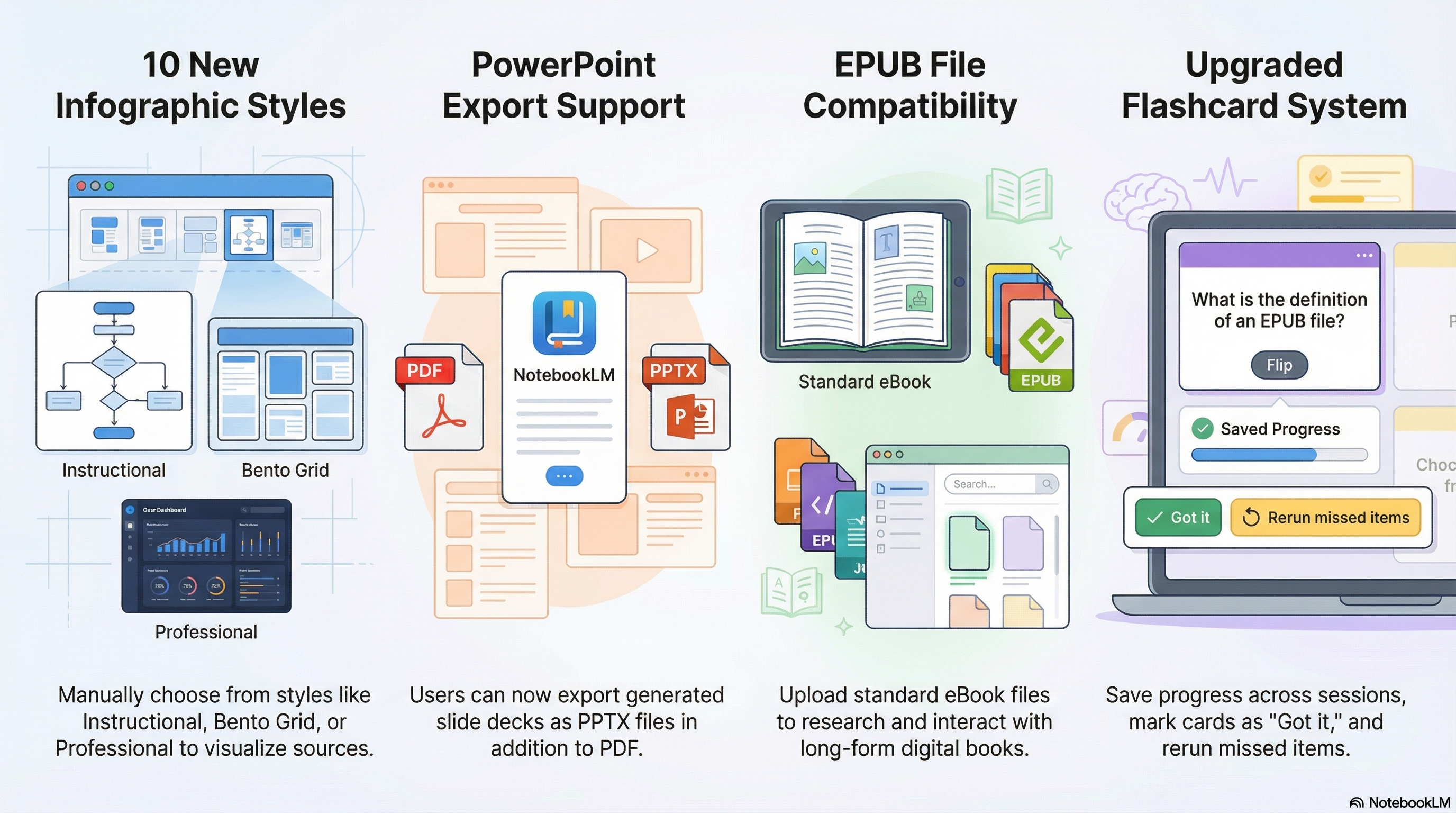
In March 2026, NotebookLM rolled out several updates to help users better manage their projects. These features make it easier to turn complex notes into creative, organized materials.
What’s New?
Custom Infographics: Choose from 10 new themes to turn your research materials into a visual conceptual framework. These designs use colorful graphic layouts to highlight key points without getting lost in the details.
PowerPoint Export: You can now download your generated slides as .pptx files. Choose between a detailed deck or clean visual slides meant for presenting. For extra polish, you can use PowerPoint’s Designer tool to add your preferred layouts and images.
eBook Support: You can now upload ePub files (up to 200MB) to NotebookLM. This makes it much faster to search through or summarize long-form books.
Better Flashcards: Your study progress now saves automatically between sessions. New features allow you to shuffle the deck, mark cards as “Got it” or “Missed it,” and rerun only the ones you missed.
For the full summary, check out the Google Workspace Updates blog.
Need help or have feedback?
We’d love to hear what you have to say. Leave us a message so we can connect.